
The brand and website introduced OperationBegin as a minimalist CRM for freelancers and small teams. This is the rest of the story: the app itself, why it exists, the decisions behind it, how it was built, and why I eventually replaced it with something smaller.
One rule shaped the whole project: every feature had to earn its place. I wasn’t trying to compete with the enterprise tools. I was trying to run my own studio with a tool I fully understood.
I needed one small thing: a place to track clients, projects, estimates, and invoices. I did not need another dashboard that also wanted to process payments, run my marketing, and take a commission for the privilege.
The tools I tried were either too expensive, too complicated, or simply unavailable where I live and work. So I wrote myself a deliberately narrow brief:
That’s it. No payments, no accounting suite, no assistant bolted onto the sidebar. If a feature didn’t make one of those four jobs faster, it didn’t ship.
The most important product decision was subtraction. OperationBegin does not receive payments. It creates the document, tells the client how to pay, and then gets out of the way: bank transfer, QR code, or whatever the client already uses.
That single boundary kept the product tiny. No card processing, no payouts, no PCI scope, no reconciliation. I could spend my time on the part that actually needed designing: turning a conversation into an estimate, and an estimate into an invoice, in a couple of minutes.
I picked three tools, and then removed one.
Polar didn’t last, but not because it was hard to use. I decided against the SaaS route, so I never paid for Polar and scrapped it before it cost anything. If I ever do go the subscription route, it’s the first tool I’d reach for. It’s extremely easy to use and the best fit for what I do. Building a business around recurring billing was just a different project from building a tool for my own studio, and I only wanted one of them.
The app was written heavily with AI, but the process was not “generate and hope.” It looked more like this:
AI made the writing fast; it did not make the decisions. The planning and the testing stayed human. That division is what let a solo designer build and run a real multi-tenant app.
Below is the product in its final shipped state: the flows I used to run real client work.
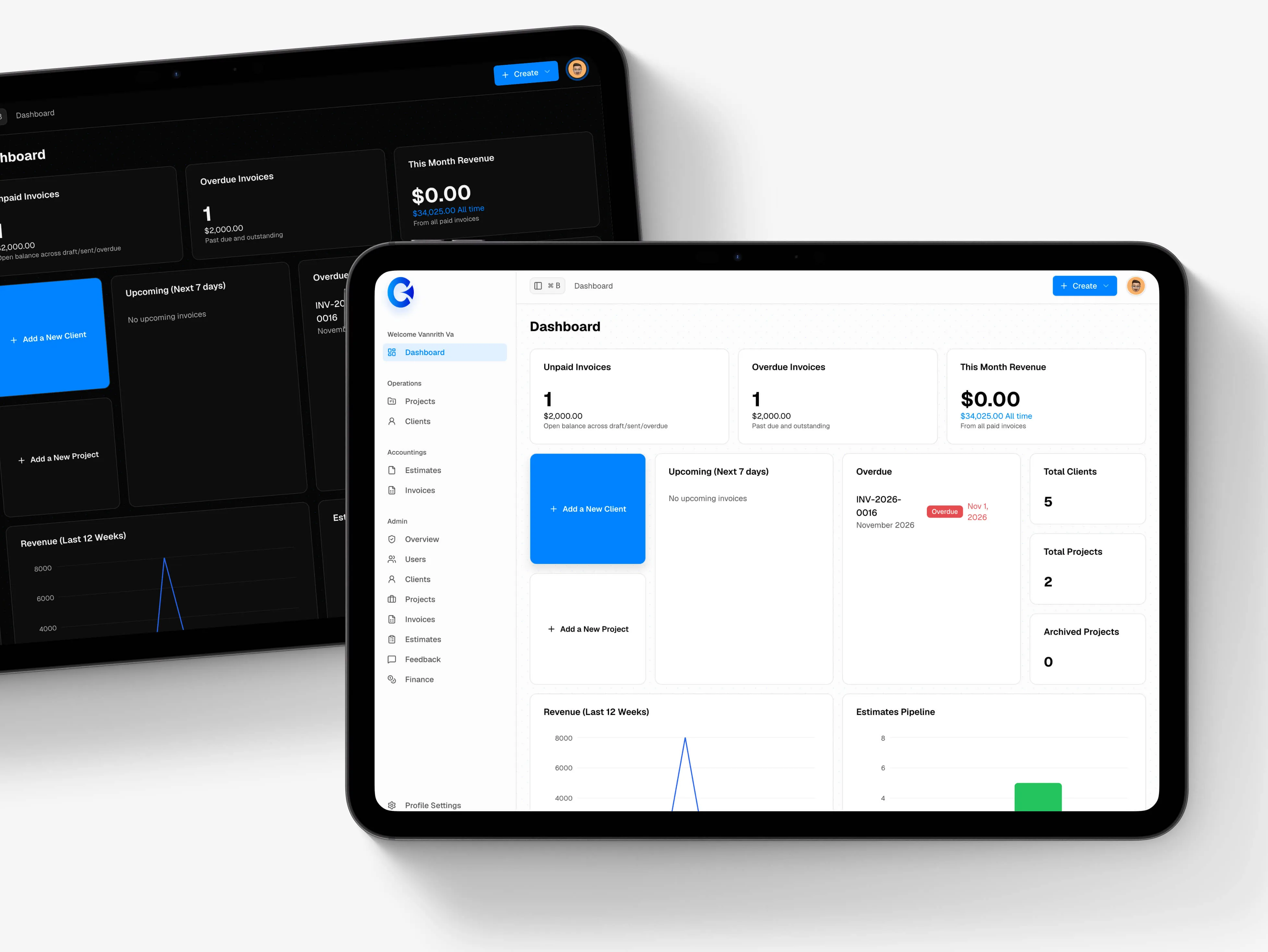
One dashboard for the whole studio: unpaid and overdue invoices, revenue, upcoming work, and the estimates pipeline, with quick actions for adding clients and projects.
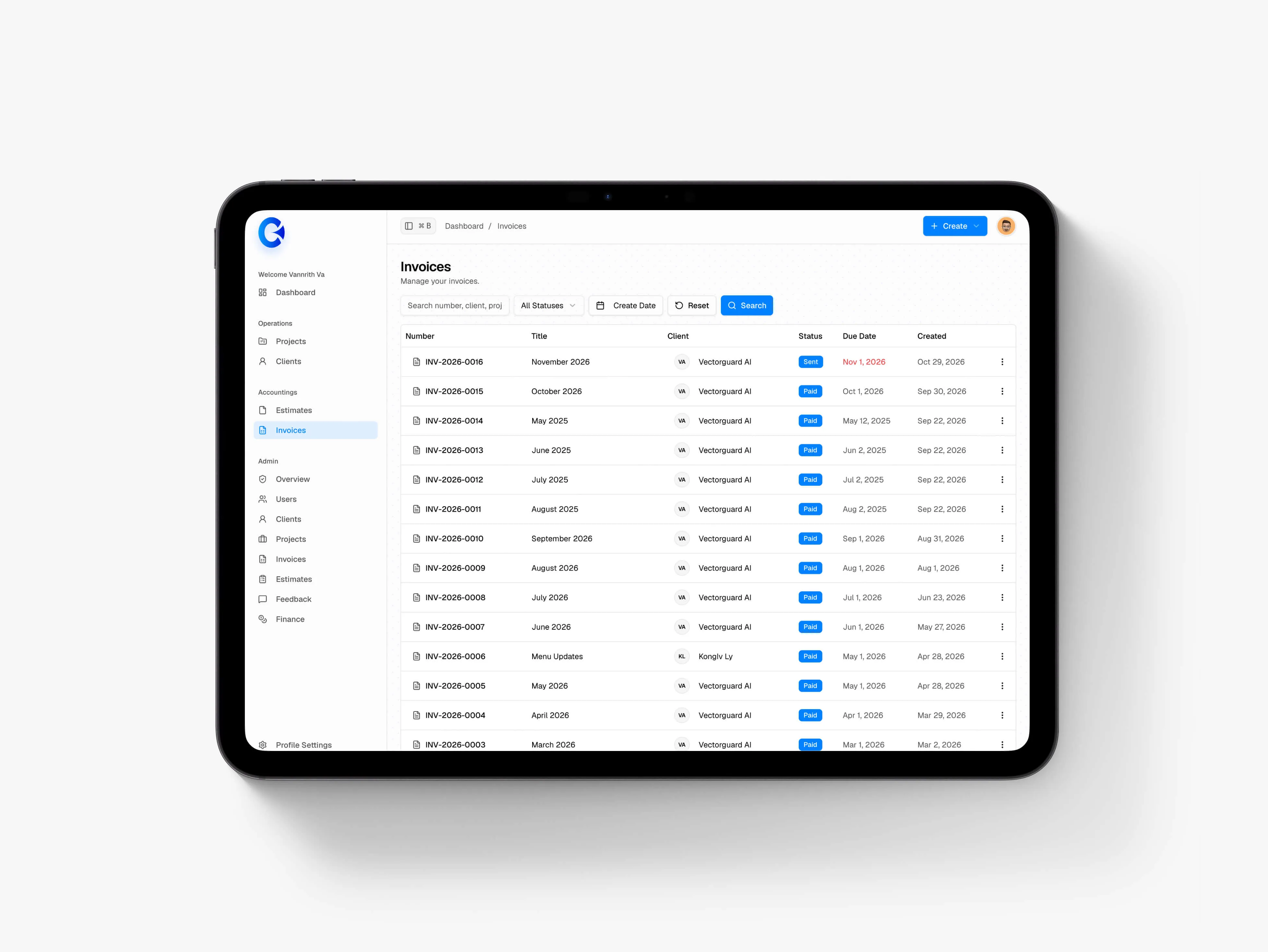
Invoices are first-class, not an afterthought: searchable, filterable by status, and one click from the document itself.
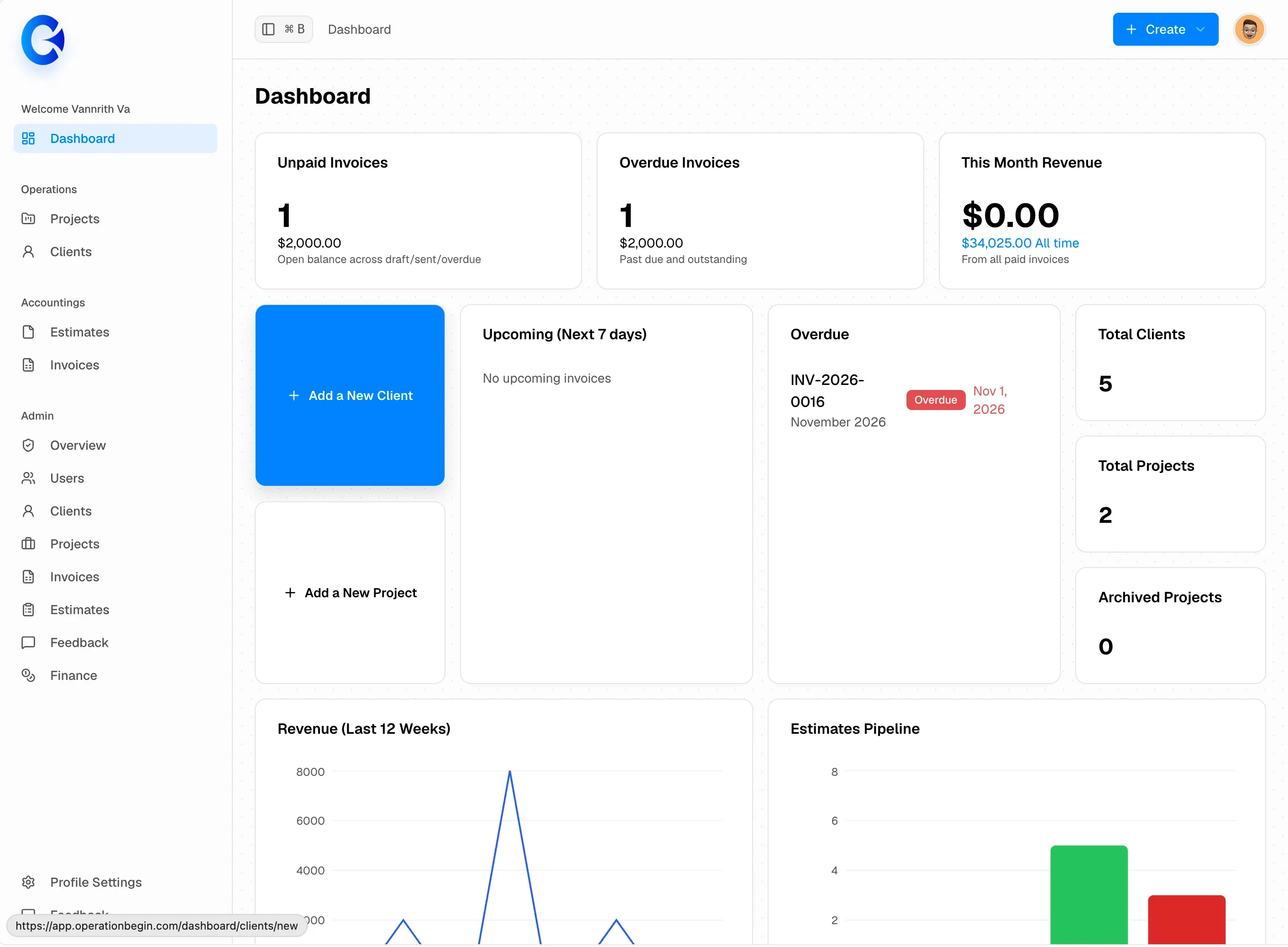
Light mode: the same information, no decoration. Color is used only where it carries meaning: unpaid, overdue, paid.
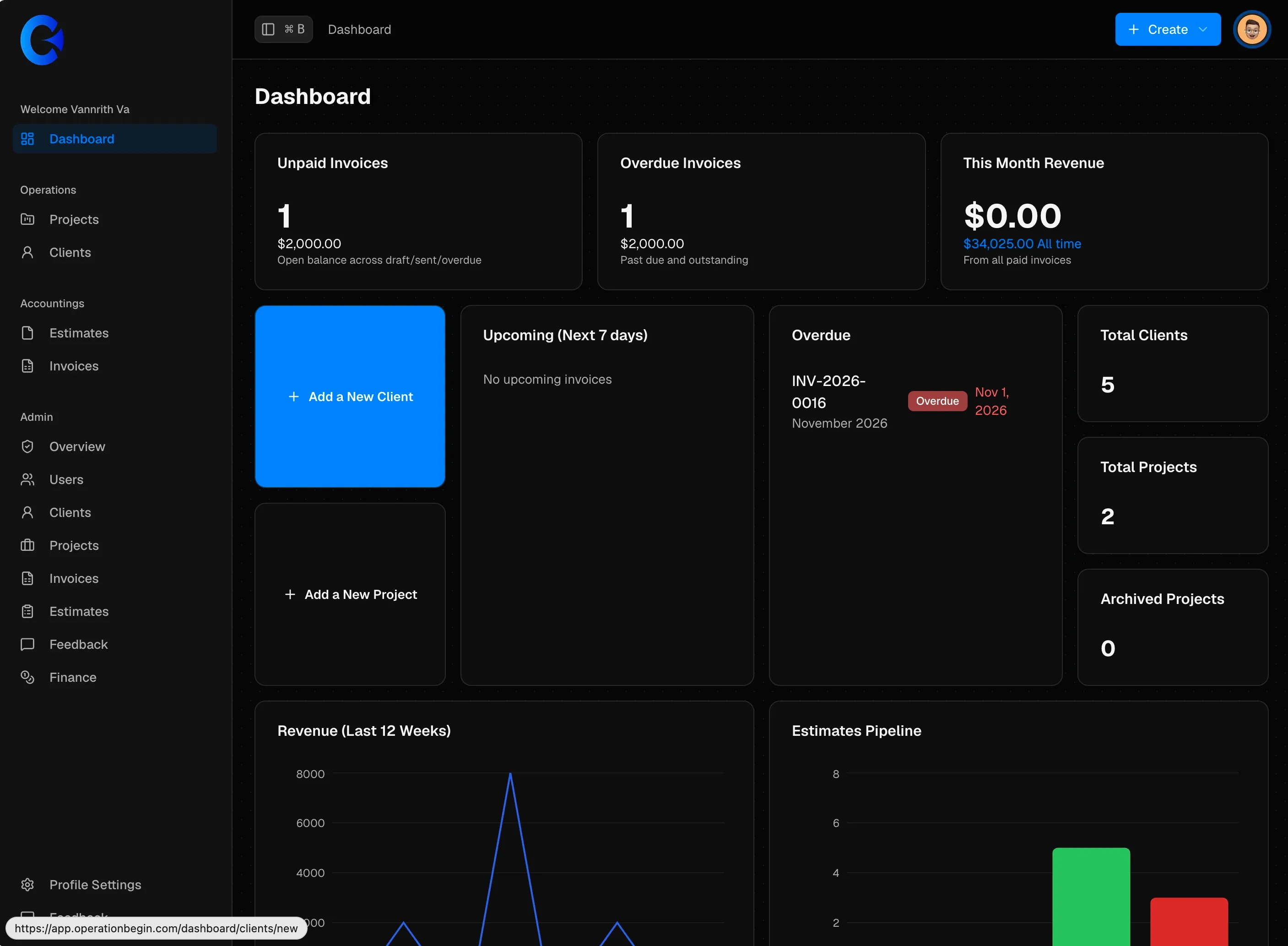
Dark mode is a real theme, not an inverted afterthought.
Projects became the container for everything else: a client, a color, a description, and a board of tasks. Color was the primary way to tell work apart at a glance, a small decision that made the list feel personal.
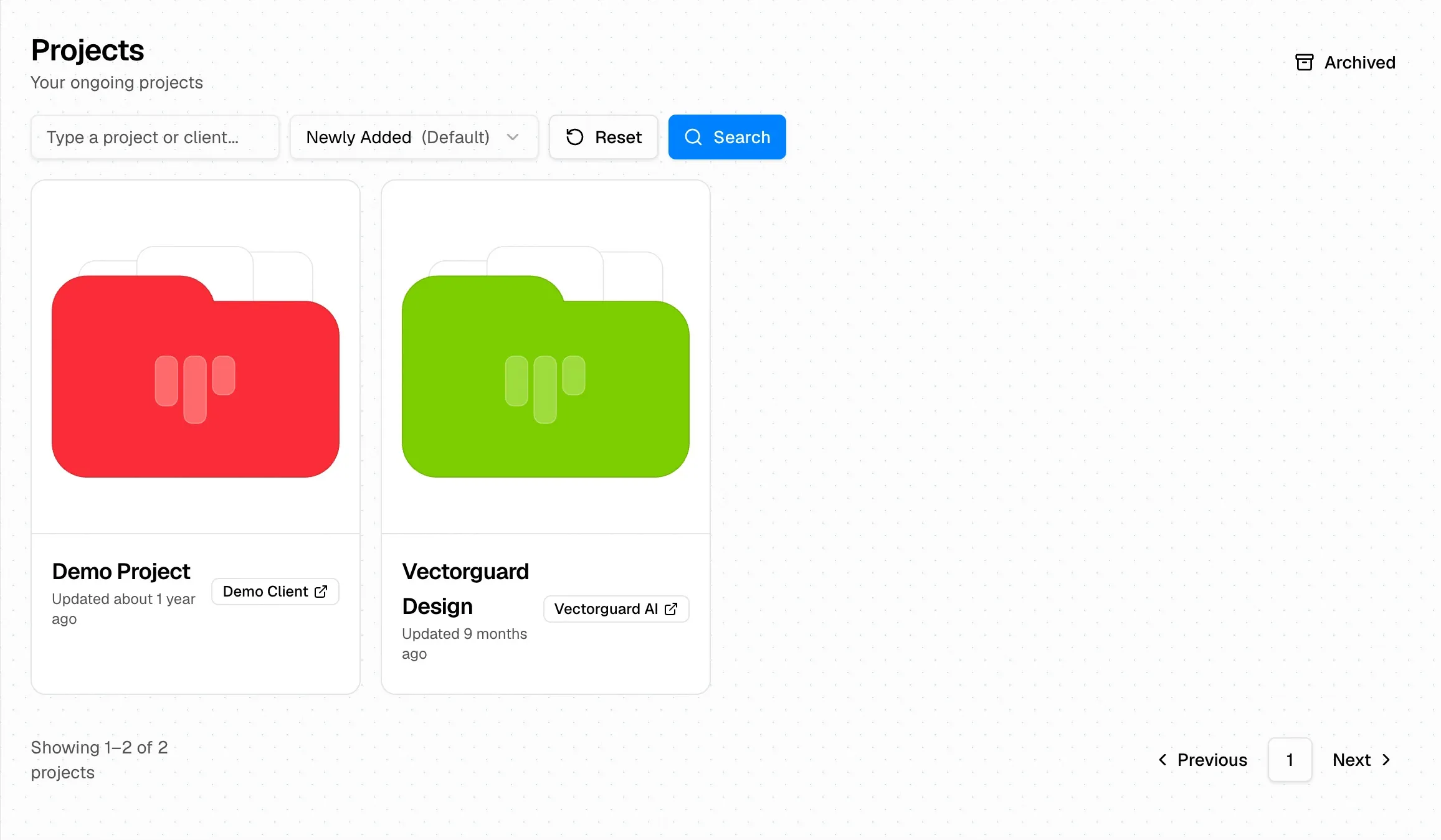
The project list. Each project gets an identity through color, so the right one is obvious before you read a word.
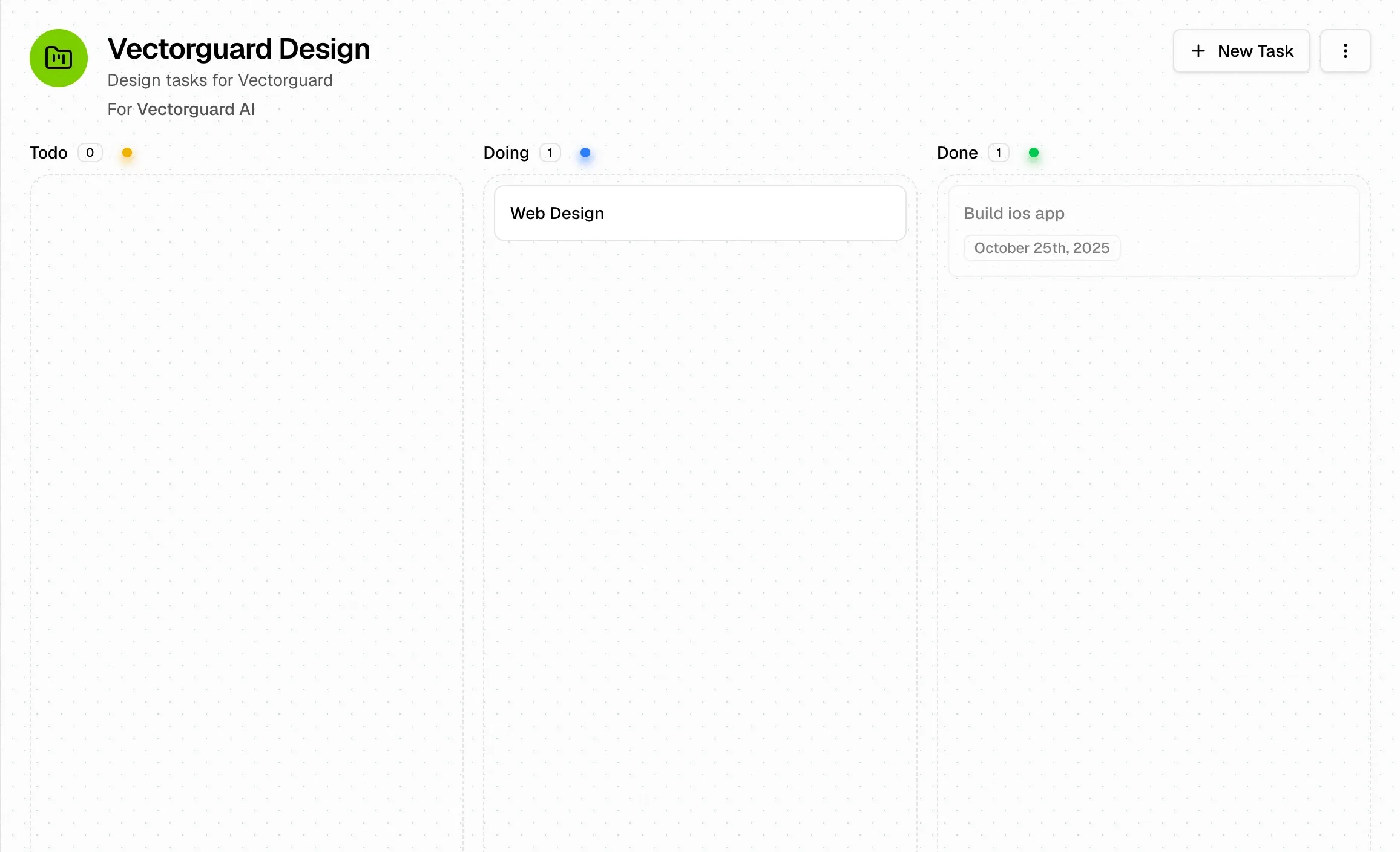
A simple three-column board. Deliberately not a full project-management suite, just enough to see what’s moving.
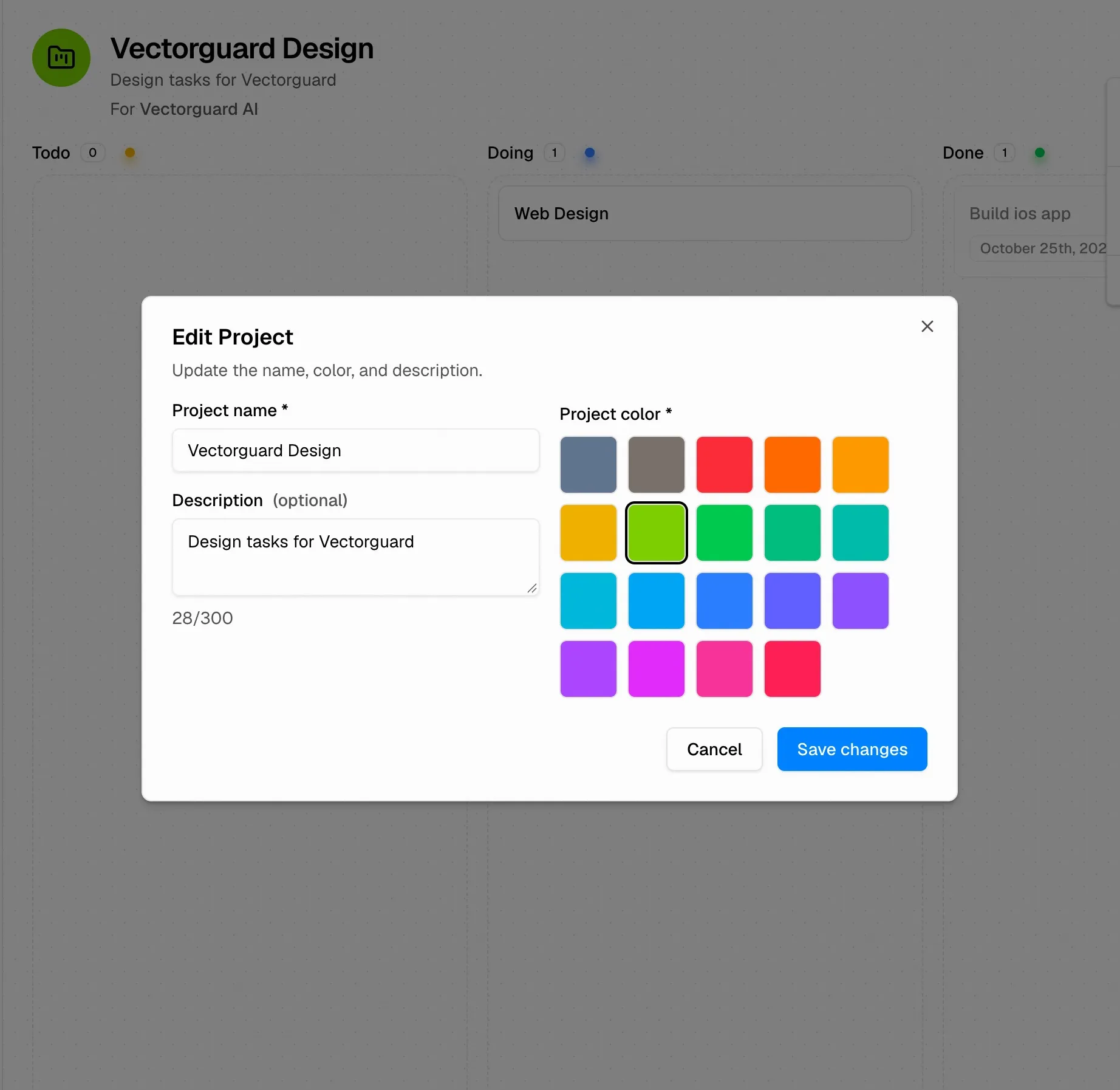
Editing a project: name, description, and a fixed palette. A constrained set of colors keeps identities consistent instead of letting everything drift.
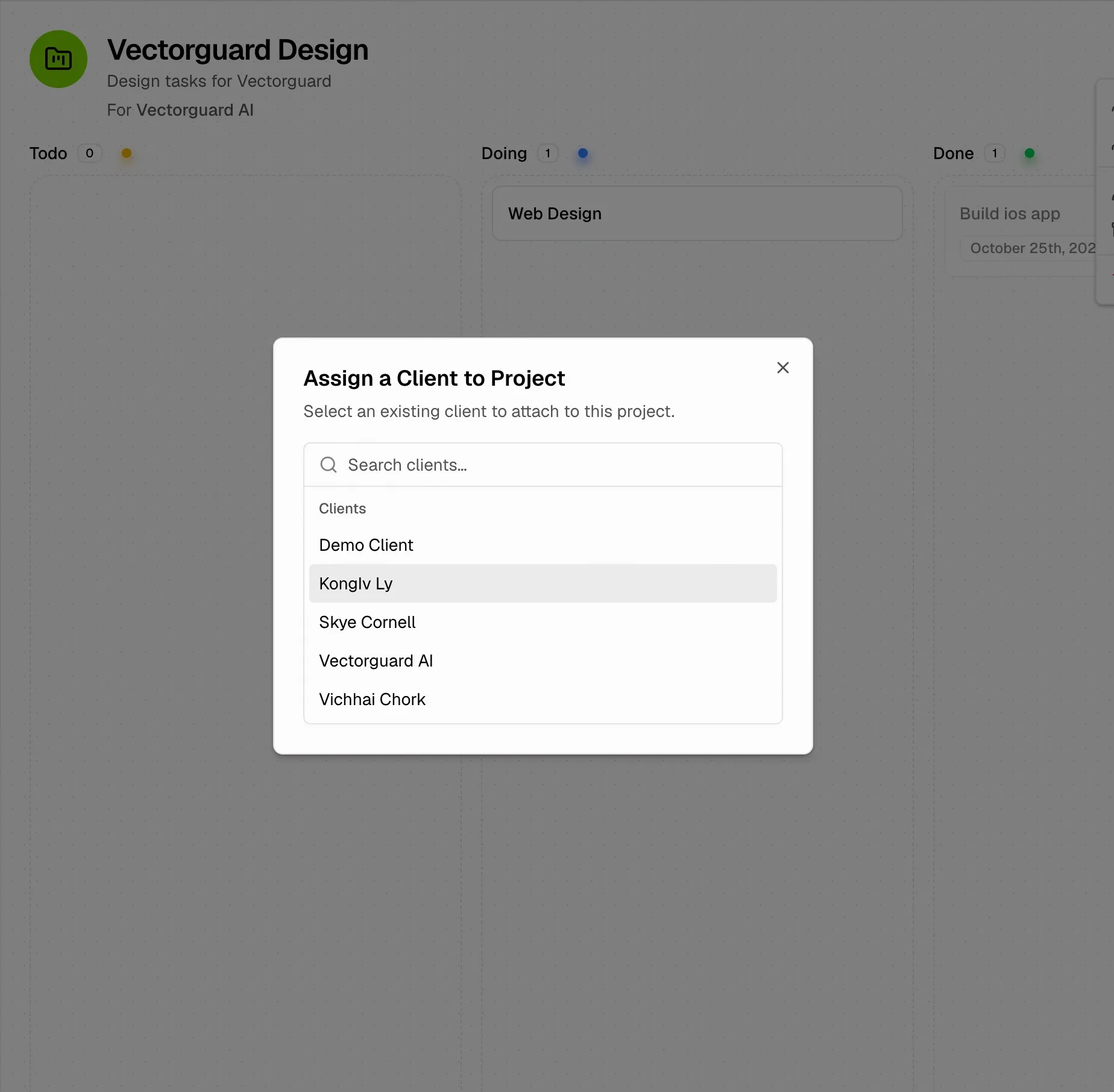
Attaching a client to a project is a two-second search, not a form.
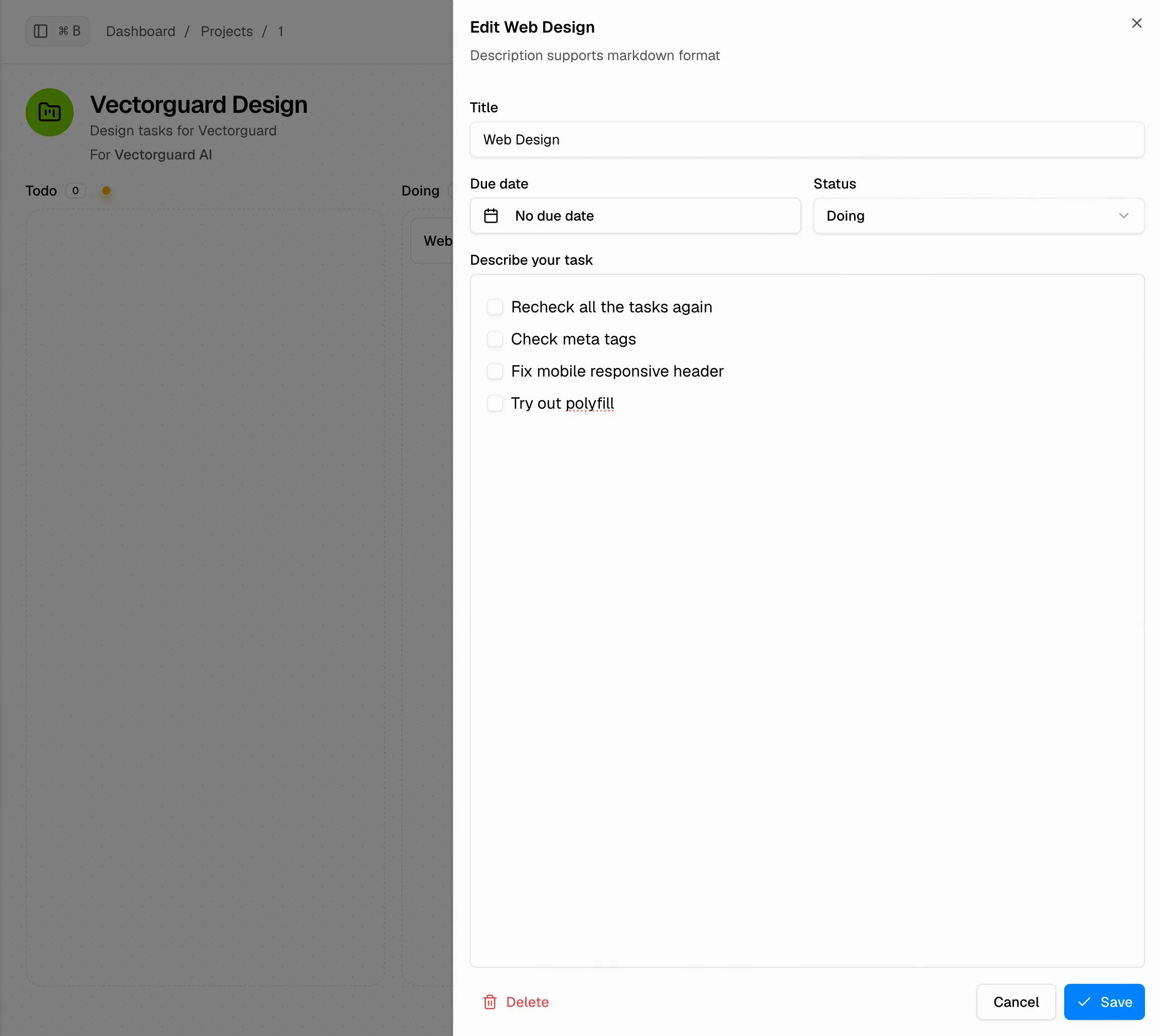
Task editing: due date, status, and markdown notes, all in a side panel so you never lose your place on the board.
The client record is the front door to everything: contact links, status, lifetime revenue, and the projects, invoices, and estimates attached to them. Notes keep the context that most CRMs bury.
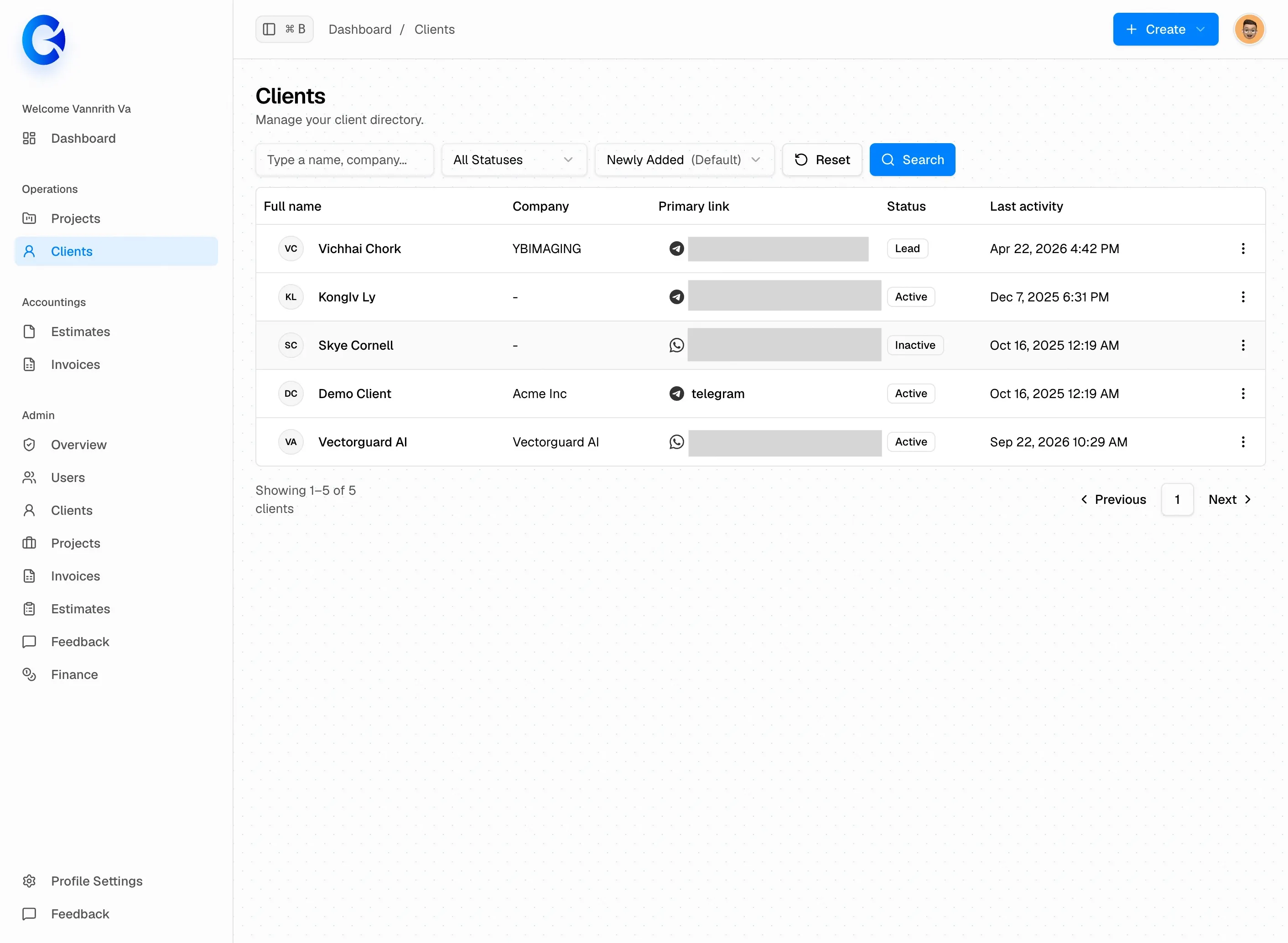
The client directory: company, primary contact link, status, and last activity at a glance.
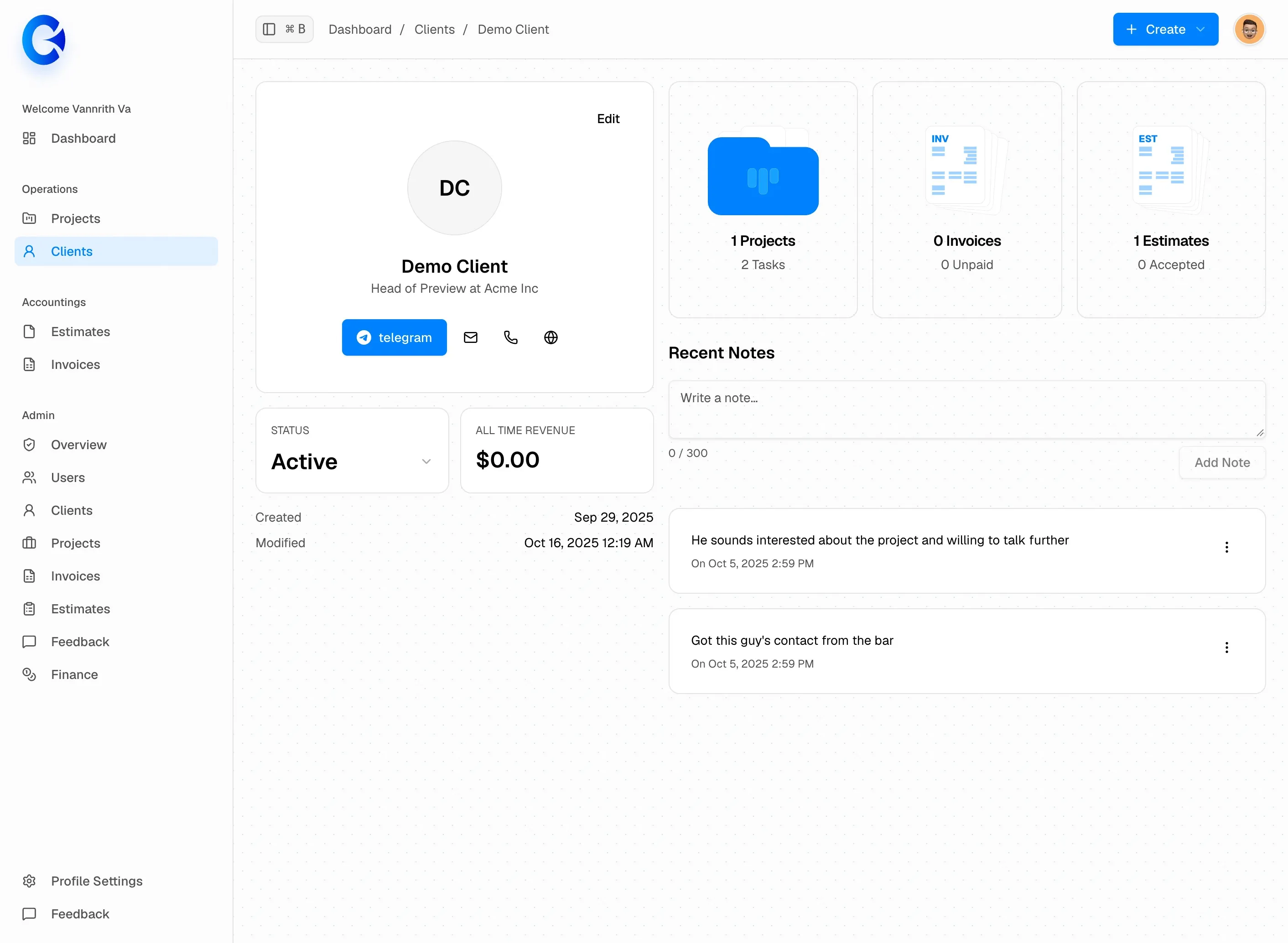
Client detail: contact actions, lifetime revenue, attached work, and a running set of notes.
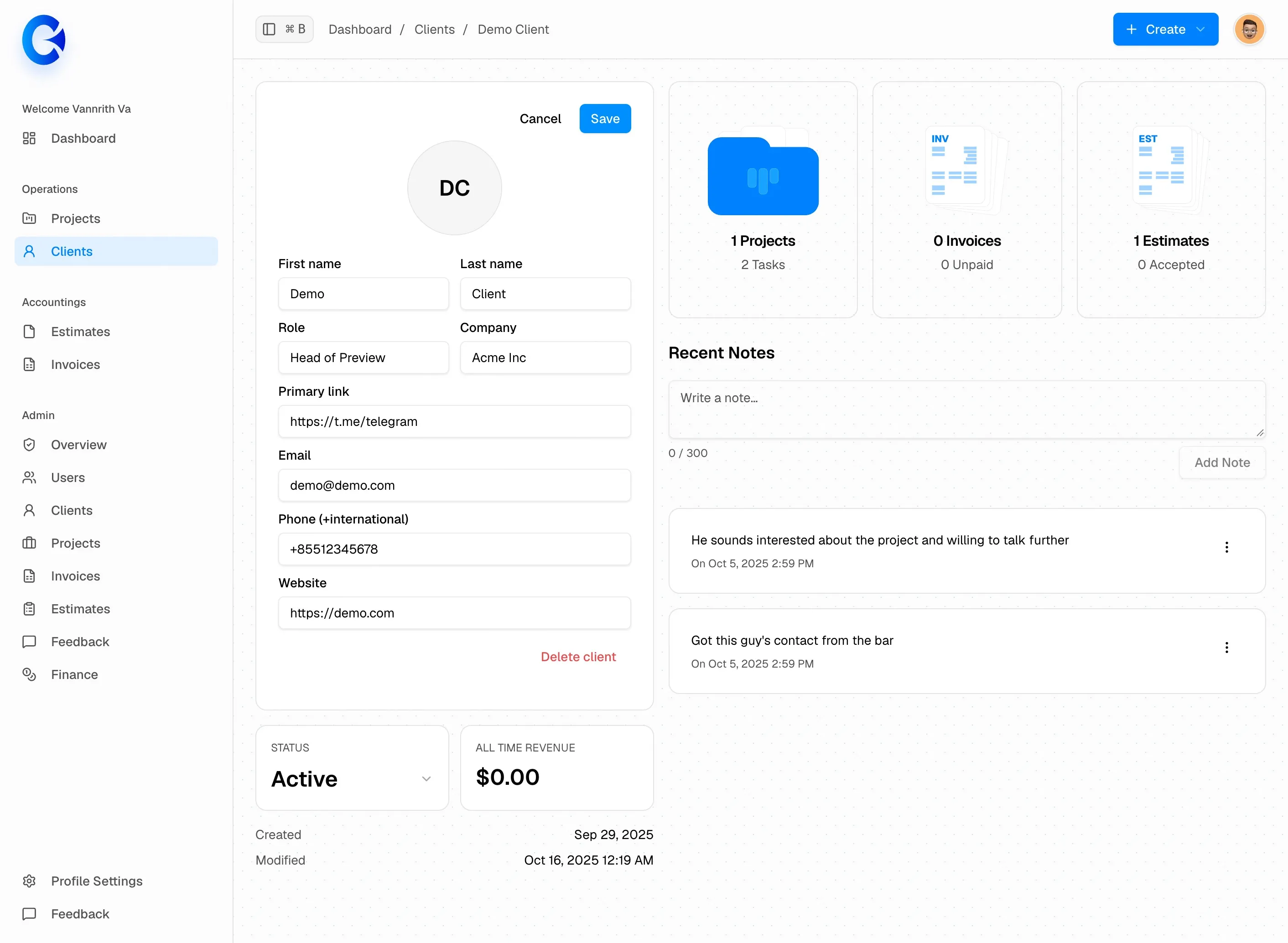
Editing a client. Every field is optional except the ones that matter, and deletion is a deliberate, separate action.
Estimates are where design work becomes a document. Line items, tax, terms, and payment instructions are configured once in settings and reused on every document. When a client says yes, one action converts the estimate into an invoice.
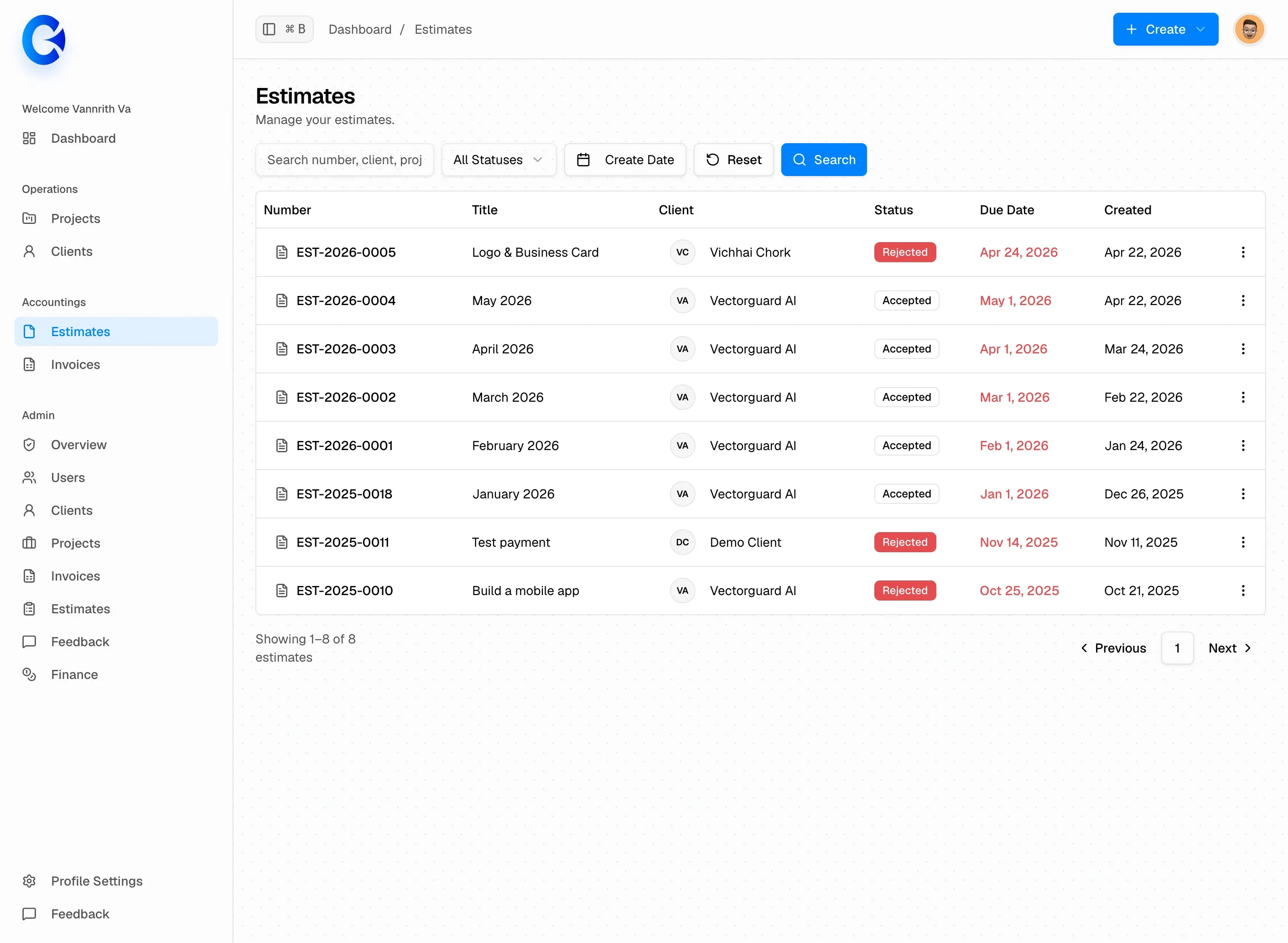
The estimate pipeline: status, due date, and client, all scannable in one table.
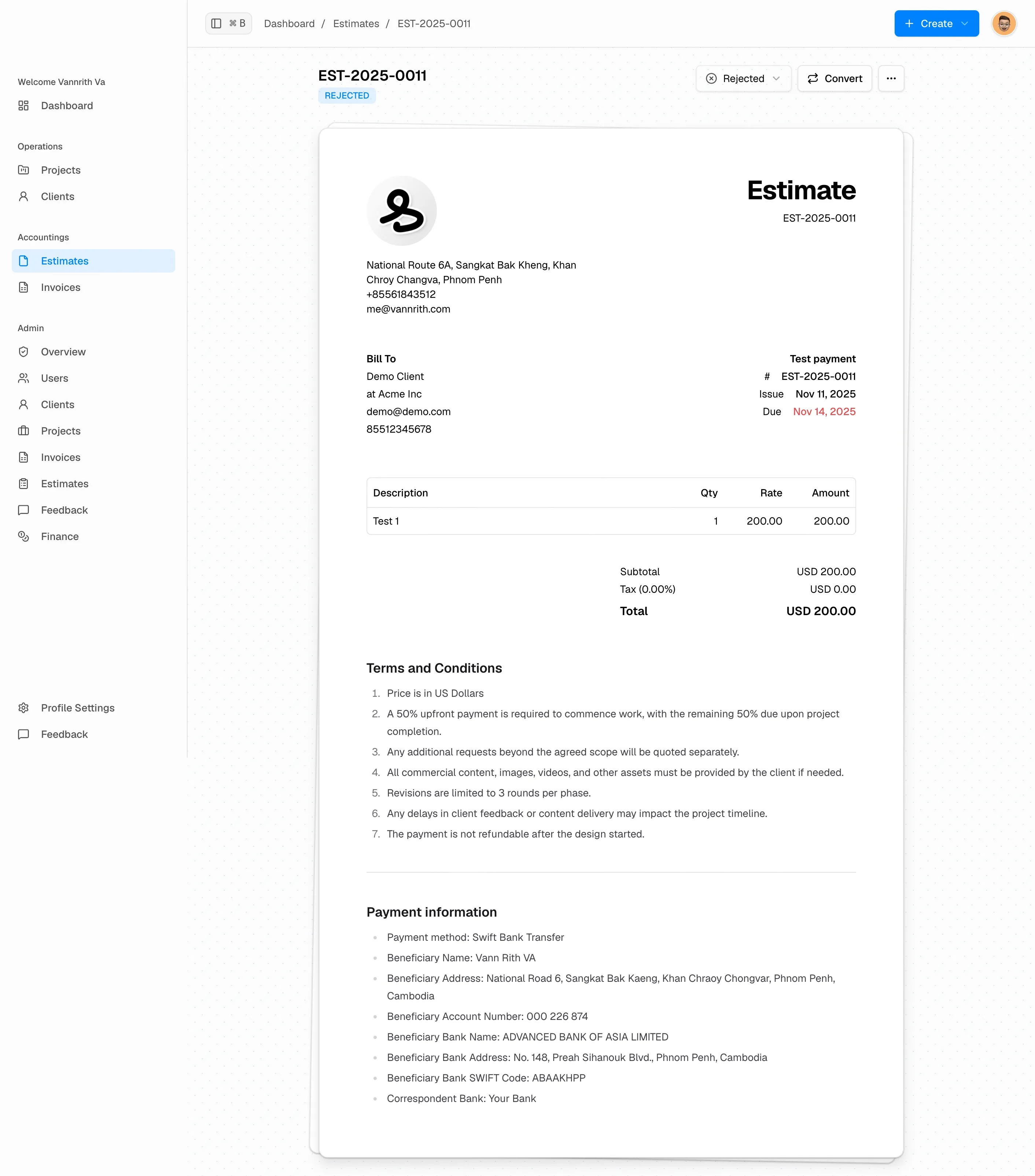
The estimate itself: letterhead, bill-to, line items, totals, terms, and payment details. One Convert action turns it into an invoice.
Invoices share the structure of estimates, plus the parts that matter once money is due: a due date, a status, notes, and a QR code pointing at however the client prefers to pay. The app issues the document; it never touches the money.
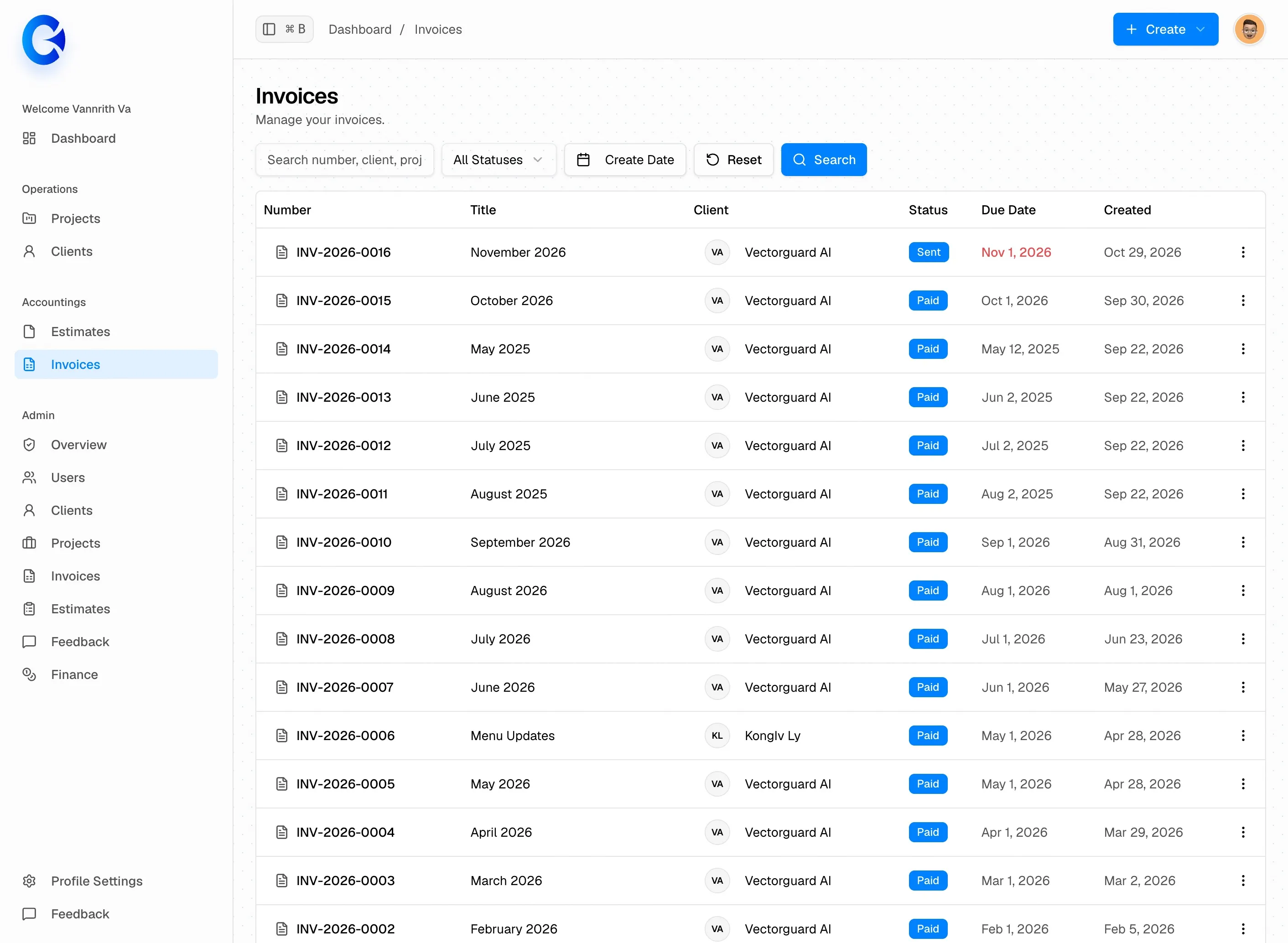
All invoices, filterable by status and searchable by number, client, or project.
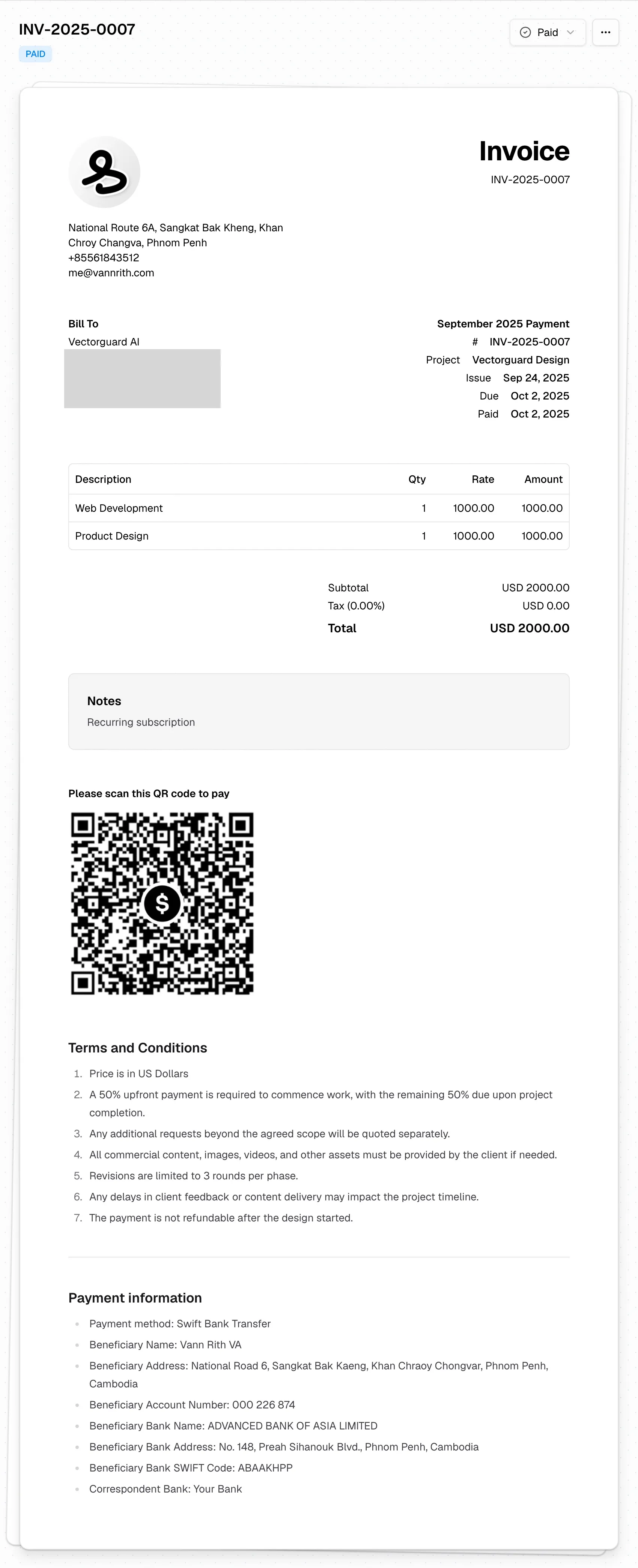
The invoice: the same clean document language, with a payment QR, terms, and bank details baked in.
Company settings are the source of truth for every document: logo, address, currency, tax rate, payment details, and the terms that travel with each estimate and invoice. Writing that once is what turns every new document into a two-minute job.
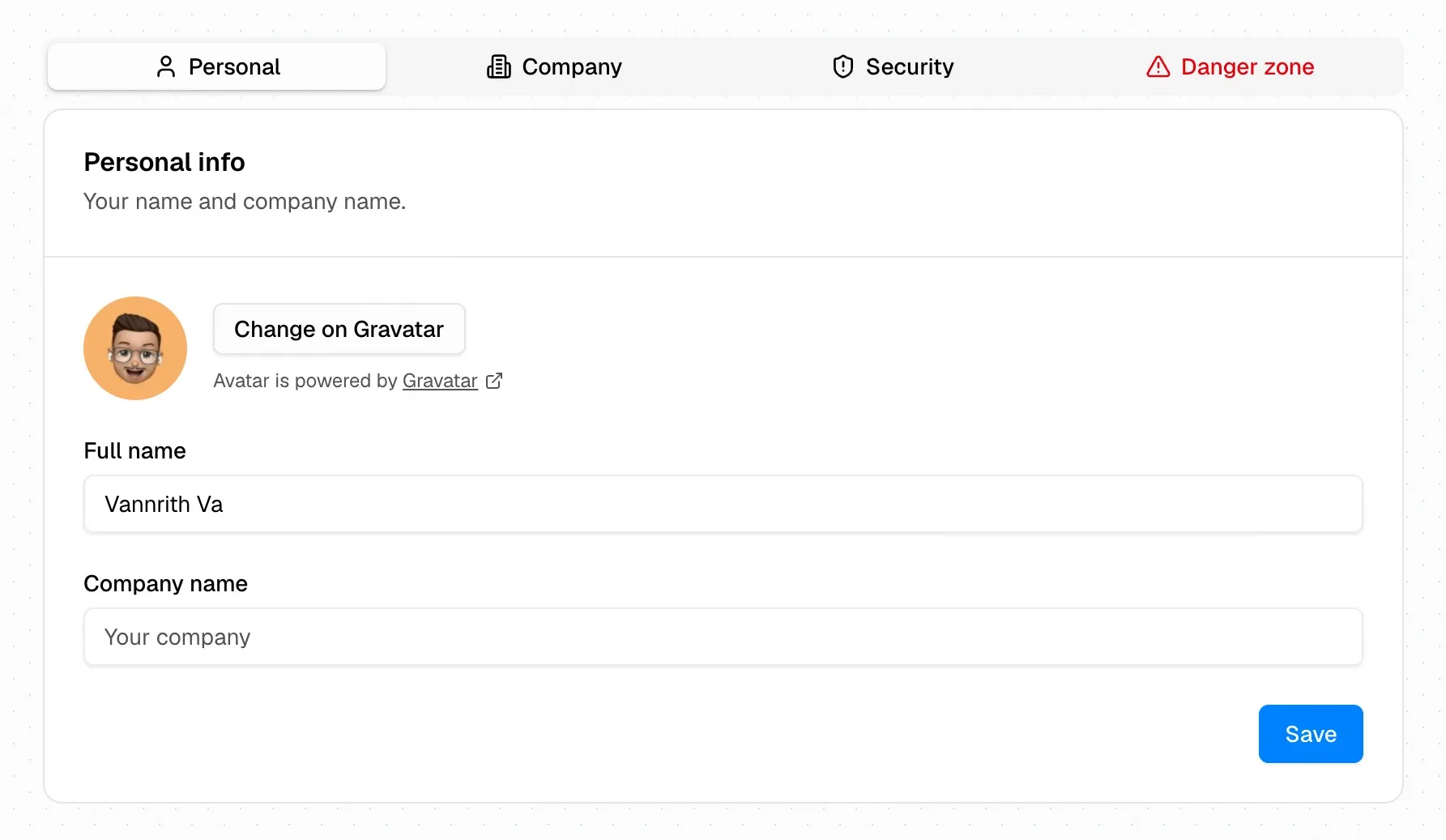
Personal settings: name, company, and avatar, kept intentionally minimal.
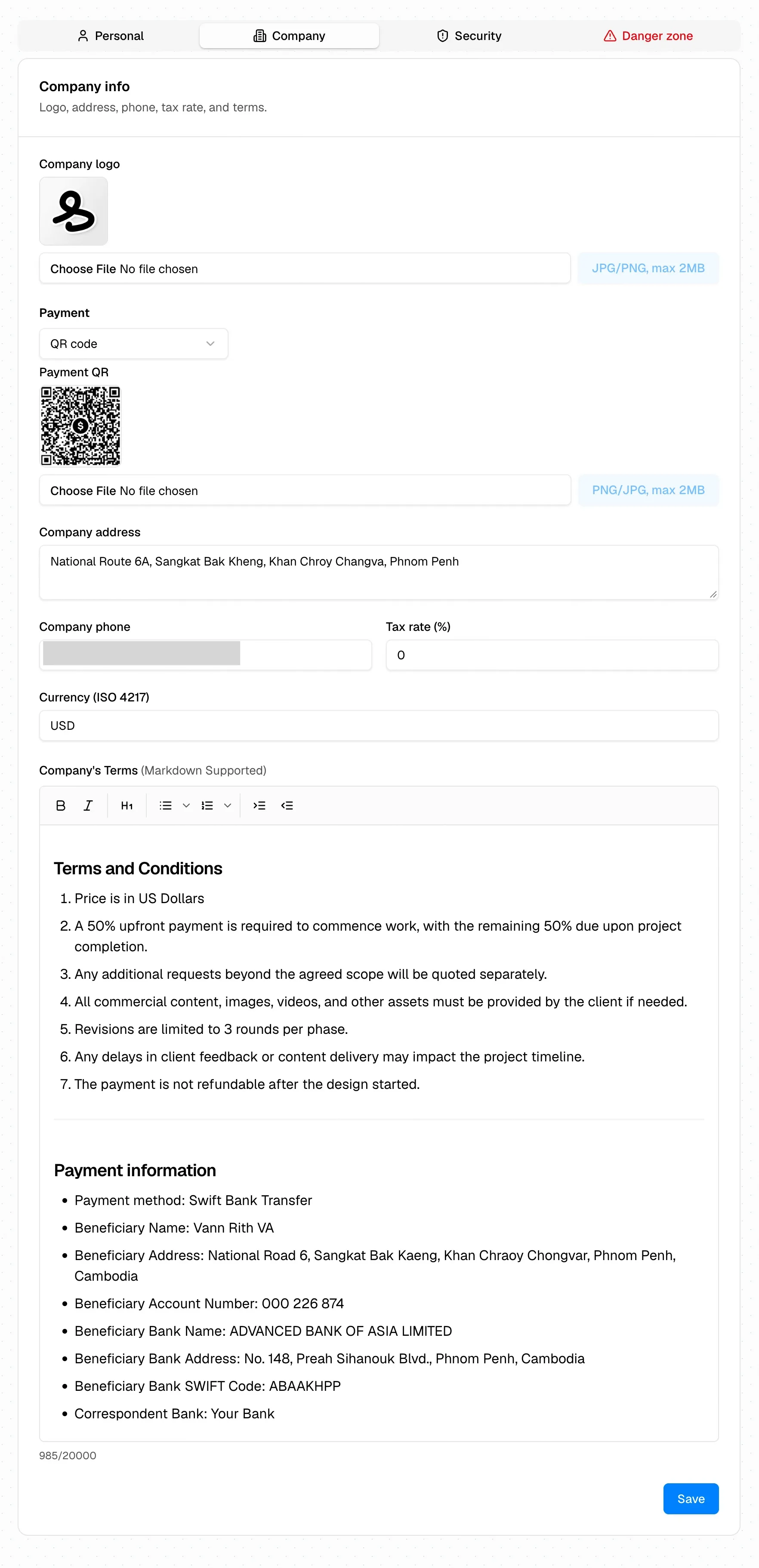
Company settings: logo, payment QR, currency, tax rate, and markdown terms. Set it once; every document inherits it.
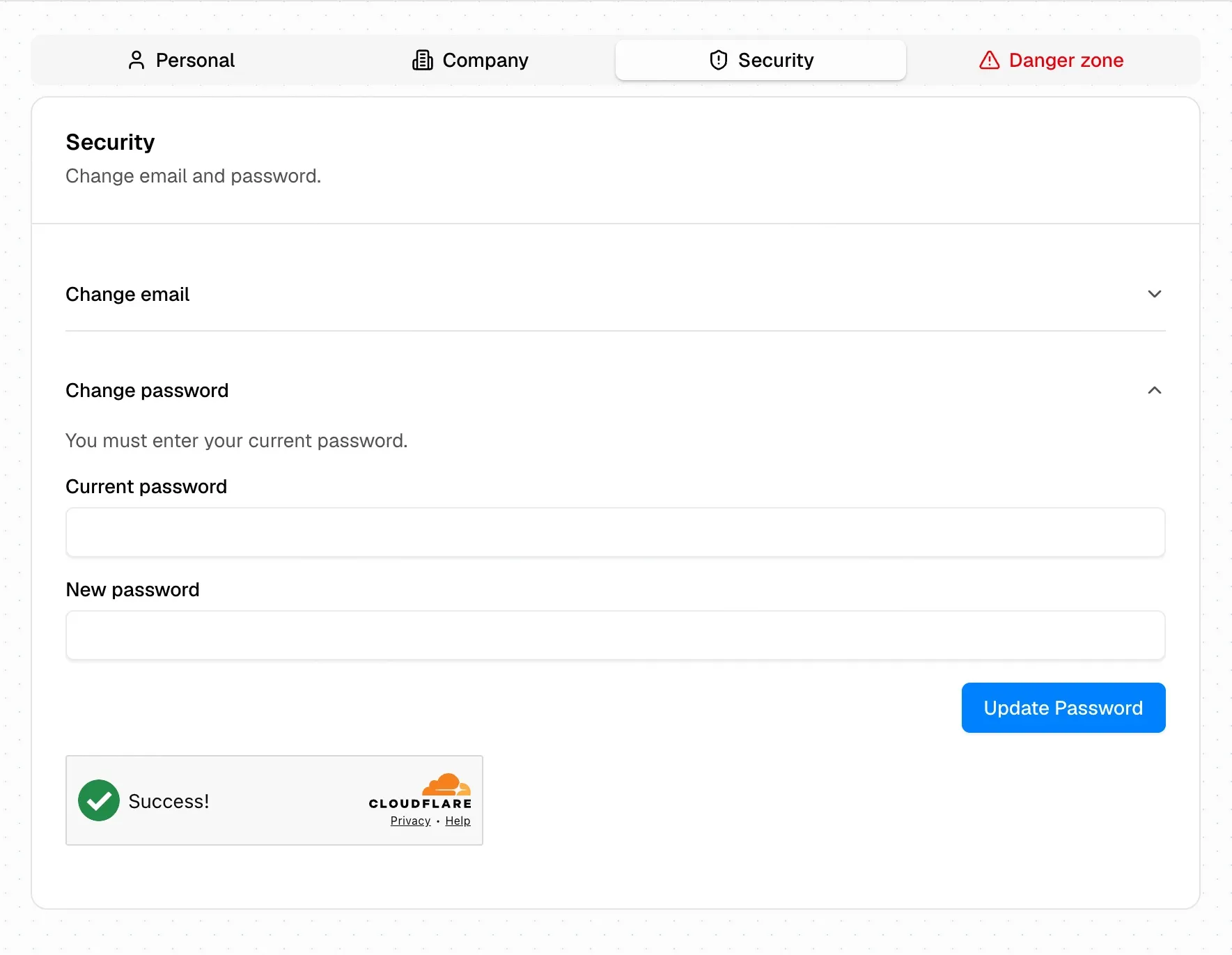
Security: email and password changes, protected by Cloudflare Turnstile.
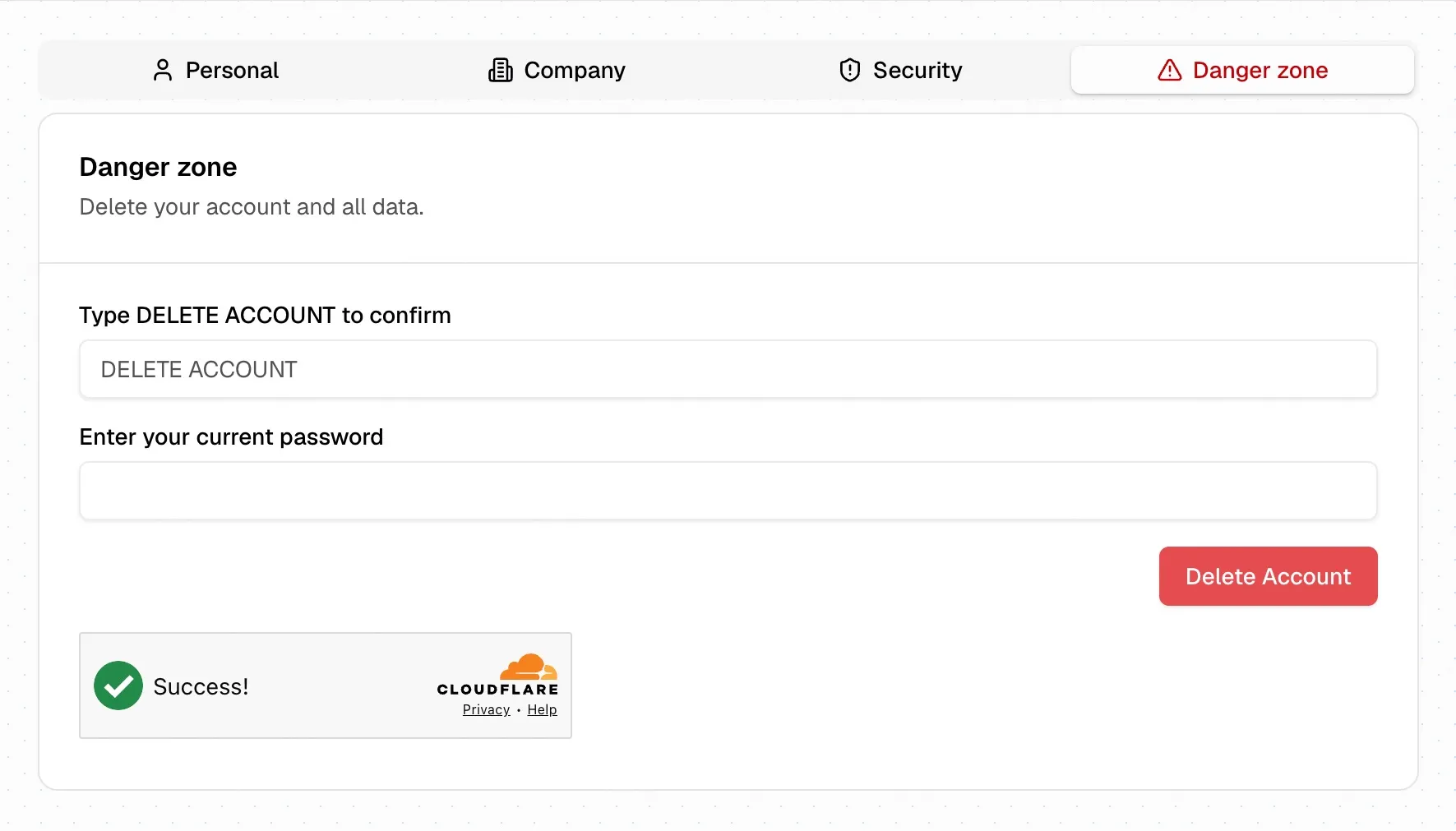
The danger zone asks you to type the confirmation and re-enter your password. Destructive actions should feel destructive.
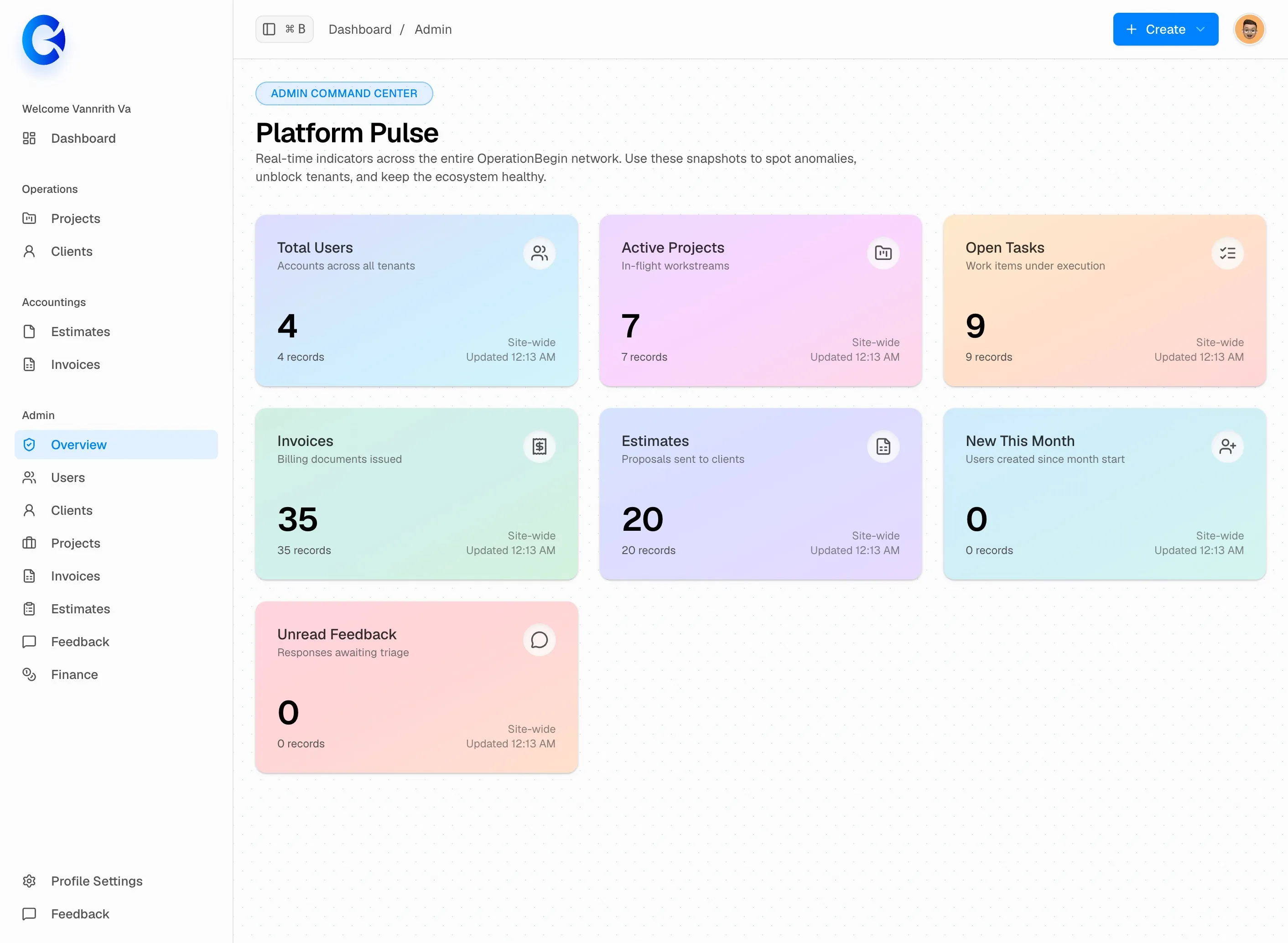
The admin overview: platform-wide counts across all tenants, so the health of the whole system is visible in one screen.
OperationBegin ran my actual client work. That’s the only test that counts: if a tool is annoying when you’re busy, you feel it immediately. Using it daily turned vague ideas into a short, honest backlog and kept the surface area small. I shipped incrementally, tested against real invoices, and never let the app grow faster than my ability to maintain it.
I’m sunsetting OperationBegin, not because it failed, but because I found a better shape for the same job.
The successor is OB3: a local-first app where your clients, projects, estimates, and invoices are files in a git repository on your own machine. It does what OperationBegin does, but offline, portable, and entirely under your control. No server to keep alive, no subscription, no lock-in. The data is just files you already know how to back up.
Knowing when to stop patching something and replace it with a smaller, more honest version is part of the job. OperationBegin proved the workflow; OB3 keeps it. I’ll write about the architecture, the file format, and what local-first changes about the workflow in a future post.